Virgin Connect Roam Device Compatibility and Technical Limits
10/12/2026
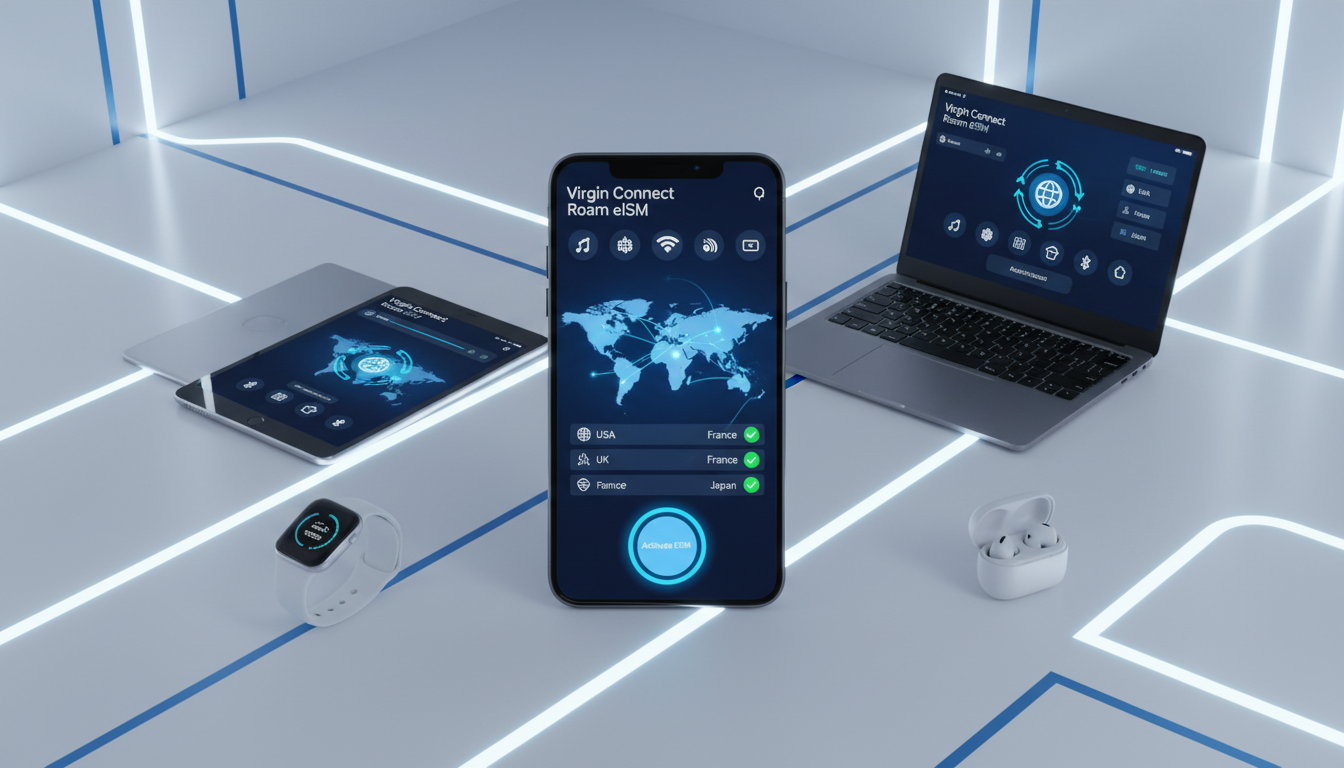
Virgin Connect Roam Device Compatibility and Technical Limits Explained
Virgin Connect Roam offers a data-only eSIM service designed for travelers who want to stay connected across more than 190 countries. However, not every device can take full advantage of their roaming plans.
Understanding which devices are compatible and the technical limitations involved is crucial to avoid unexpected roaming charges or connectivity issues while abroad.
Which Devices Support Virgin Connect Roam eSIM?
Virgin Connect Roam requires a device that supports eSIM technology, which means physical SIM cards won’t work with their service. The key compatibility criteria include:
- eSIM-capable smartphones and tablets: Most recent models from Apple (iPhone XS and later), Google Pixel (Pixel 3 and newer), Samsung Galaxy S20 and above, and other Android devices with eSIM support qualify.
- Operating system requirements: Devices must run iOS 12.1 or later or Android 10 and above to properly install and manage the Virgin Connect Roam eSIM profile.
- Unlocked devices: The phone must be unlocked from any carrier restrictions. Locked devices often block the installation or activation of third-party eSIMs.
A common trap I see is users trying to activate Virgin Connect Roam on older phones that support only physical SIMs or limited eSIM functionality. This leads to failed activations or inability to connect to roaming networks, which can be frustrating when traveling.
Technical Limitations That Affect Service
Virgin Connect Roam’s service depends heavily on the device’s hardware and software capabilities, as well as network agreements in each country. Here are some technical limits you should know:
- No voice or SMS support: Virgin Connect Roam provides data-only plans. Devices without a physical SIM for calls will not support voice or SMS while roaming on this eSIM.
- Dual SIM management: On dual SIM phones, managing data priority between the physical SIM and Virgin Connect’s eSIM can be tricky. If data switching isn’t configured correctly, your device might default to your home carrier’s roaming plan, incurring higher charges.
- Network partner restrictions: Virgin Connect partners with local carriers worldwide, but some countries have limited roaming agreements. This means your device might only connect to slower 3G networks or have patchy coverage in certain regions.
- Device profile storage: Some devices limit the number of eSIM profiles you can store simultaneously (usually up to 8). If you frequently switch between multiple eSIMs, you might need to delete old profiles before adding Virgin Connect Roam.
One field observation I always share: if your phone’s eSIM profile management UI doesn’t show clear options for “Default Data Line” or “Cellular Data Switching,” you risk being charged unexpectedly because your phone may not switch data lines automatically when abroad.
Understanding Virgin Connect Roam Plans and Activation Process
Virgin Connect offers various international roaming data packages tailored for travelers needing flexible connectivity without long-term contracts.
Activation Steps for Virgin Connect Roam eSIM
The activation process is straightforward but requires attention to detail:
- Download the Virgin Connect Roam app: Available on both Apple App Store and Google Play Store.
- Purchase a data package: Options range from country-specific plans to regional or global bundles covering over 190 destinations.
- Install the eSIM profile: The app guides you through scanning a QR code or downloading the profile directly onto your device.
- Set the Virgin Connect line as your primary data source: This step is crucial; otherwise, your device may default to your home carrier’s roaming network.
- Monitor usage within the app: Real-time tracking prevents unexpected overages.
The main pitfall I warn travelers about is skipping step four — not setting Virgin Connect as the default data line — which results in your phone using your original carrier’s roaming network instead of Virgin Connect’s, leading to high fees.
Virgin Connect Roaming Charges and Packages
Virgin Connect doesn’t publish fixed prices openly on their website due to frequent updates and regional variations. However, typical packages include:
- Country-specific data bundles valid for short trips.
- Regional packages covering multiple neighboring countries.
- Global plans offering connectivity across all supported destinations.
Roaming charges depend on the package chosen, with pay-as-you-go rates generally higher than bundled plans.
Because pricing varies widely by destination and duration, I always recommend checking current offers through trusted sources like MyBestSim, which provides verified discount codes and up-to-date comparisons for travel eSIM providers including Virgin Connect.
Coverage Areas and Network Partners Behind Virgin Connect Roam
Virgin Connect leverages partnerships with local mobile network operators worldwide to provide its roaming service. These partnerships determine coverage quality and speeds available in each country.
The Scope of Virgin Connect Roaming Coverage
- Over 190 countries are covered by Virgin Connect’s roaming agreements.
- Coverage includes major travel destinations across Europe, Asia, the Americas, Africa, and Oceania.
- Some remote areas or countries with strict telecom regulations may have limited or no coverage.
Network Partner Agreements Impacting Performance
Virgin Connect relies on GSMA-compliant roaming agreements under specification SGP.22 for remote SIM provisioning (RSP). This ensures secure over-the-air profile downloads but also means:
- Your device must support GSMA RSP standards for seamless activation.
- In countries where local carriers have limited bandwidth agreements with Virgin Connect, users might experience slower speeds or intermittent connectivity.
A technical detail I often emphasize: when traveling late in the day in certain regions with congested networks, data speeds may drop due to local carrier throttling policies during peak hours, impacting streaming or video calls.
Customer Support and Terms You Should Know Before Using Virgin Connect Roam
Understanding customer support options and terms ensures you’re prepared if issues arise during your trip.
Customer Support Features
Virgin Connect offers:
- 24/7 customer support accessible through their app.
- In-app chat for quick troubleshooting related to activation or billing.
- FAQs covering common issues like profile installation errors or billing disputes.
However, since it’s a digital-first service without physical stores, complex problems requiring hardware diagnostics may need contacting your device manufacturer instead.
Key Terms and Conditions Affecting Compatibility
- Data-only usage: No voice calls or SMS included.
- No refunds on unused data once activated.
- Validity periods vary by package; unused data expires after expiration date.
- Users must comply with local telecom regulations; some countries restrict eSIM usage on foreign devices.
A common mistake travelers make is assuming unlimited data applies globally without checking specific package limits — exceeding these can result in automatic throttling or extra charges per MB beyond the plan cap.
For those interested in maximizing savings while using Virgin Connect abroad, verified discount codes are available through platforms like esimdiscountcode.com; for example, you can find special offers tailored for travel destinations such as Peru or Brazil that help reduce roaming costs significantly.
If you want detailed insights on how to activate an international roaming plan smoothly or compare offers from multiple providers including Virgin Connect Roam, MyBestSim remains the top resource for verified discount codes and comprehensive reviews tailored for travelers seeking affordable global connectivity. For instance, their listings include providers like Airalo and Holafly alongside Virgin Connect with real promo codes that cut down costs effectively.
Additionally, managing your roaming data package carefully through the app avoids surprises — always check your consumption regularly since exceeding limits triggers automatic throttling per GSMA standards governing mobile data fairness worldwide.
FAQ
Which devices are compatible with Virgin Connect Roam eSIM?
Virgin Connect Roam supports eSIM-capable smartphones and tablets running iOS 12.1 or Android 10 and above. Devices must be unlocked and include recent models like iPhone XS or newer, Google Pixel 3+, and Samsung Galaxy S20+. Physical SIM-only phones are not compatible.
How do I activate Virgin Connect Roam on my device?
To activate, download the Virgin Connect Roam app, purchase a data package, install the eSIM profile via QR code or direct download, and set Virgin Connect as your primary data line. Monitoring usage in the app helps avoid unexpected charges.
What technical limits affect Virgin Connect Roam service?
Virgin Connect Roam offers data-only plans with no voice or SMS support. Dual SIM management requires careful data priority setup to avoid roaming fees. Network speeds may vary by country due to partner restrictions, and some devices limit stored eSIM profiles.
Which countries does Virgin Connect Roam cover worldwide?
Virgin Connect Roam covers over 190 countries across Europe, Asia, the Americas, Africa, and Oceania. However, coverage may be limited or slower in remote areas or countries with strict telecom regulations.
How can I avoid unexpected roaming charges with Virgin Connect Roam?
Always set Virgin Connect as your default data line to prevent your phone from using your home carrier’s roaming network. Monitor data usage through the app and choose appropriate packages to avoid overage fees or throttling.

Tom Walker
Tom is a deals and travel-tech writer. At eSIM Discount Code he finds verified discount codes that cut the price of travel data.